
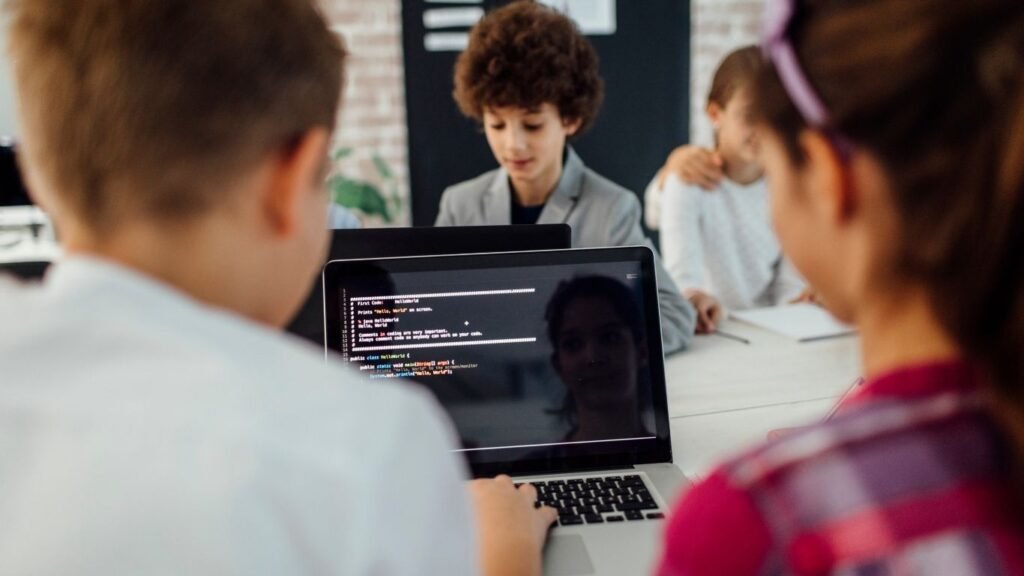
If you’ve ever wondered how to introduce your child to the world of technology, this coding for kids beginners guide is exactly what you need. Coding is no longer just for engineers—it’s becoming a basic skill like reading and math. The good news? Kids can start learning coding in a fun, simple, and engaging way.
At EduPodz Junior, we believe coding should feel like play, not pressure. So let’s break it down in a way that’s easy to understand and even easier to start.
What is Coding and Why Should Kids Learn It?
Coding is simply giving instructions to a computer to perform tasks. Think of it like telling a story step by step so the computer knows exactly what to do.
For kids, coding is not just about technology—it helps them:
Improve problem-solving skills
Build logical thinking
Boost creativity
Gain confidence in learning new things
In today’s digital world, coding is a powerful tool that prepares children for future careers while also helping them think smarter in everyday life.
When Should Kids Start Learning Coding?
One of the most common questions parents ask in a coding for kids beginners guide is: What’s the right age?
The answer is simple—kids can start as early as 5–7 years old. At this stage, they don’t need to write complex code. Instead, they learn through games, puzzles, and visual tools.
As they grow older, they can gradually move to more advanced coding languages and concepts.
Best Coding Languages for Beginners
Starting with the right tools makes a huge difference. Here are some beginner-friendly options:
1. Scratch
Scratch is a visual programming language where kids drag and drop blocks to create games and animations. It’s colorful, interactive, and perfect for beginners.
2. Blockly
Similar to Scratch, Blockly helps kids understand logic without worrying about syntax.
3. Python
Once kids are comfortable, Python is a great next step. It’s simple, readable, and widely used in real-world applications.
At EduPodz Junior, we introduce coding step-by-step so kids never feel overwhelmed.
How to Start Coding for Kids (Step-by-Step)
This coding for kids beginners guide wouldn’t be complete without a simple roadmap.
Step 1: Start with Logic-Based Games
Before jumping into coding, kids should develop logical thinking through puzzles and problem-solving games.
Step 2: Use Visual Coding Tools
Platforms like Scratch allow kids to learn by creating stories and games.
Step 3: Build Small Projects
Encourage kids to create simple animations or mini-games. This keeps them motivated and excited.
Step 4: Move to Text-Based Coding
Once they’re comfortable, introduce Python or similar languages.
Step 5: Practice Consistently
Consistency is key. Even 30 minutes a day can make a big difference.
Benefits of Coding for Kids
Let’s talk about why coding is such a valuable skill:
1. Enhances Creativity
Coding allows kids to create games, apps, and animations from their imagination.
2. Improves Problem-Solving Skills
Kids learn how to break down problems and find solutions step by step.
3. Builds Confidence
Completing a project gives kids a sense of achievement.
4. Prepares for Future Careers
From AI to robotics, coding opens doors to countless opportunities.
Common Challenges and How to Overcome Them
Every beginner faces challenges, and that’s completely normal.
“Coding is too hard”
Start simple. Visual tools make learning easy and fun.
“My child loses interest quickly”
Make learning interactive with games and real-world projects.
“I don’t know coding myself”
That’s okay! Structured programs like those at EduPodz Junior guide kids step-by-step, even if parents have no technical background.
Tips for Parents to Support Kids
You don’t need to be a coding expert to help your child succeed. Here’s how you can support them:
Encourage curiosity and experimentation
Celebrate small wins
Provide access to the right learning resources
Avoid putting pressure—keep it fun
Remember, coding should feel like an adventure, not a task.
Why Choose Structured Coding Programs?
While free resources are great, structured learning programs offer:
Step-by-step guidance
Expert instructors
Interactive lessons
Real-world projects
At EduPodz Junior, we focus on making coding simple, engaging, and practical for kids. Our programs are designed to match each child’s pace and learning style.
Real-Life Applications Kids Can Build
Kids don’t just learn coding—they create amazing things:
Simple games
Animated stories
Basic apps
Interactive quizzes
These projects help kids see the real-world impact of what they’re learning.
The Future of Coding for Kids
Technology is evolving rapidly, and coding is becoming a must-have skill. From artificial intelligence to robotics, kids who learn coding today will have a strong advantage tomorrow.
This coding for kids beginners guide is just the starting point. The journey ahead is full of creativity, innovation, and endless possibilities.
Final Thoughts
Starting coding early gives kids a head start in both academics and life skills. The key is to keep it simple, fun, and engaging.
With the right guidance and support, any child can learn coding—no matter their background or experience.
If you’re ready to help your child take the first step, explore beginner-friendly programs at EduPodz Junior and turn learning into an exciting journey.
Coding isn’t just about computers—it’s about building confidence, creativity, and a brighter future.
FAQs: Coding for Kids Beginners Guide
What is a coding for kids beginners guide?
A coding for kids beginners guide is a simple roadmap that helps children start learning coding step by step. It explains basic concepts, introduces easy tools like visual programming, and helps kids build confidence through fun projects.
At what age should kids start coding?
Most experts suggest kids can start coding as early as 5–7 years old. A good coding for kids beginners guide focuses on games and visual tools at this stage, making learning fun instead of overwhelming.
Which coding language is best for beginners?
In any coding for kids beginners guide, visual languages like Scratch or Blockly are usually recommended first. Once kids are comfortable, they can move to beginner-friendly text-based languages like Python.
Is coding difficult for kids to learn?
Not at all! A well-structured coding for kids beginners guide makes learning easy by breaking concepts into small, simple steps. With the right approach, coding can feel like playing a game.
What tools are used in a coding for kids beginners guide?
Common tools include Scratch, Blockly, and beginner-friendly coding apps. These tools are interactive and designed to make coding simple and engaging for kids.